
Focused by design
Every app is shaped around its purpose instead of a generic template.
Five focused apps
SteadyGo brings together practical tools for typing, music, languages, geography, and trip planning. Choose what you want to learn or plan and go straight to the right app.
Explore the appsChoose your direction
 01 · Typing
Build speed and accuracy with adaptive exercises, stories, and progress that responds to your typing.
Choose horizontal or vertical layout, customize your caret style, set practice limits by time or strokes, enable sound feedback, and configure error handling.
Create your own custom exercises with any text you want. Paste in articles, code snippets, quotes, or any content you need to practice.

Generate a word exercise from the keys you select. Matching words are chosen from the wordlist and prioritized based on how weak those keys are for you.

Create your own exercise with custom text. Perfect for practicing specific content or vocabulary.
Targets upper-row timing
Based on 30,000 typing sessions from the Aalto University dataset
 02 · Music
Read notation, understand music theory, and turn short practice sessions into lasting fluency.
 03 · Languages
Grow vocabulary and confidence through practical scenarios, review, and guided conversation.
Intermediate B1
¡Hola! Soy tu compañero de idiomas AI.
¿Qué te gustaría conversar hoy?
10:32
Me gustaría hablar sobre mi fin de semana.
10:33
¡Perfecto! Cuéntame, ¿qué hiciste el fin de semana?
10:33
Visitamos una cascada y tomamos muchas fotos.
¡Suena maravilloso! “Cascada” es una palabra muy útil. ¿Te gustaría que te enseñe más vocabulario sobre la naturaleza?

 Godwana
Map-first learning
Explore countries, map layers, and geographic patterns with an interactive atlas, adaptive quizzes, and classroom learning tools.
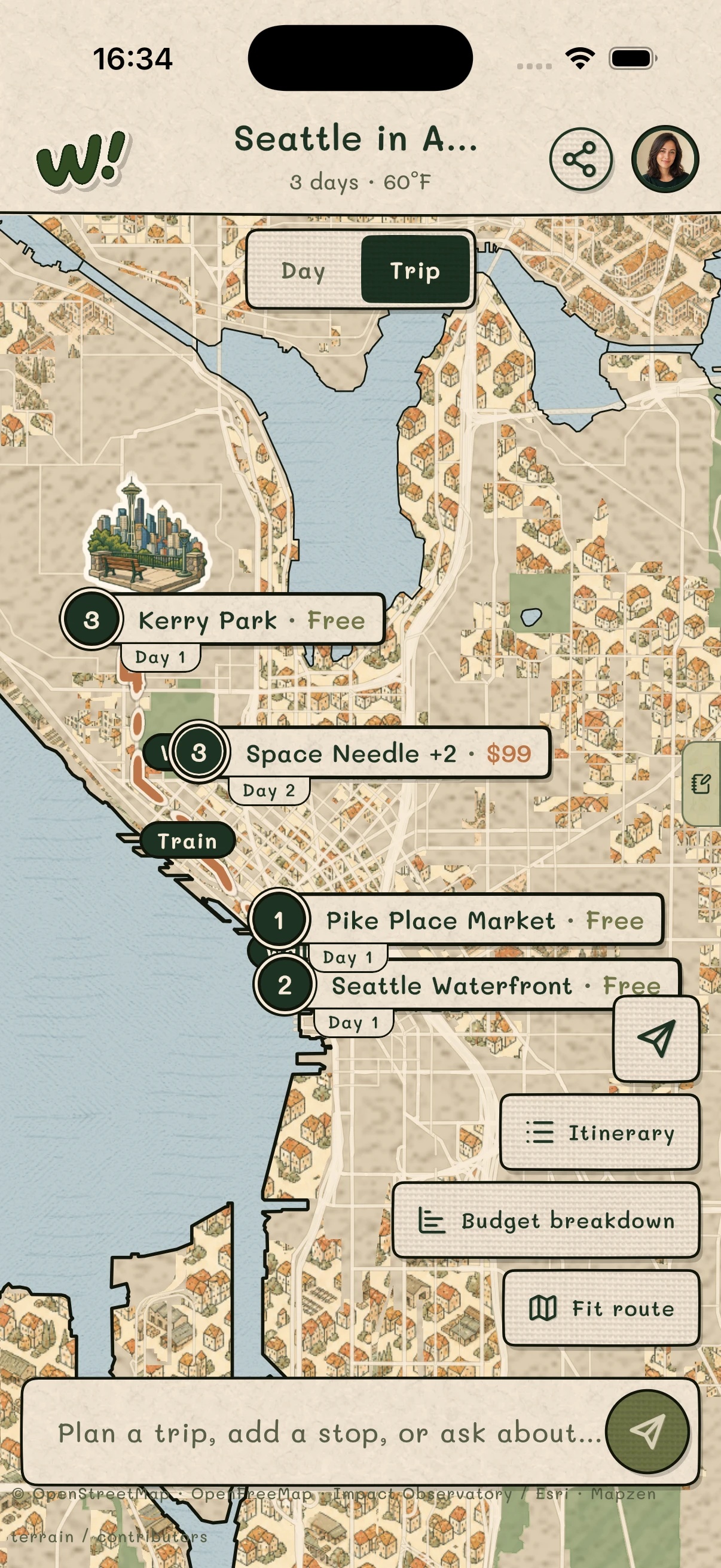
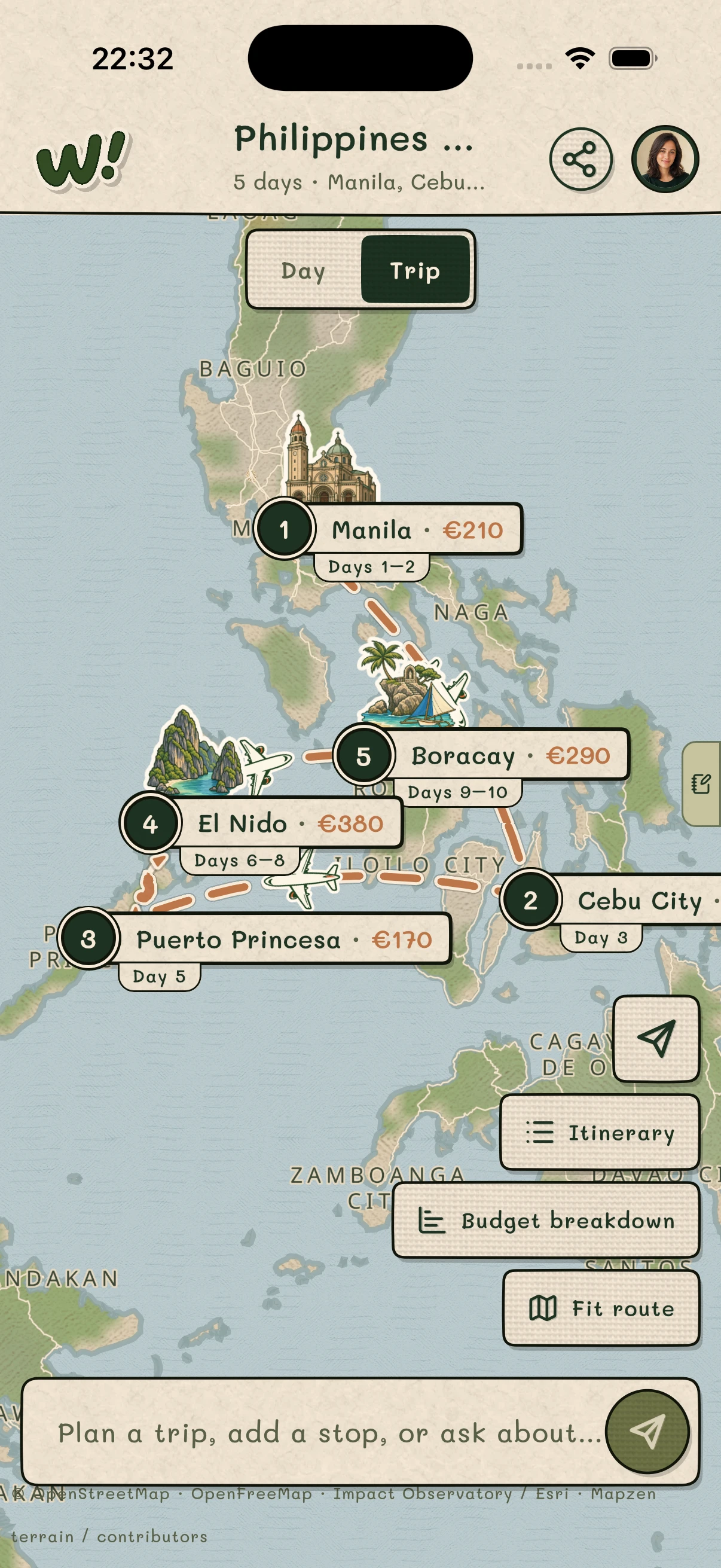
 Wheee!
Describe the trip. Wheee! turns it into an editable route, itinerary, and budget on one map.
Designed for steady progress
SteadyGo products share a practical philosophy without forcing every purpose into the same experience.
Every app is shaped around its purpose instead of a generic template.
Make meaningful progress whenever you have a few minutes, without losing the wider path.
Clear navigation and purposeful practice help you return without rebuilding momentum.
For schools and institutions
SteadyGo brings together focused school tools for typing, music, languages, and geography. Choose the subject you need, then continue to that product’s own classroom workspace, pricing, support, and privacy information.
Explore school appsWho makes SteadyGo
SteadyGo is an independent collection created and operated by Tobias Wetzel. Product accounts, pricing, support, and privacy stay with each app so responsibilities remain clear.
Contact SteadyGo
Pick a skill or plan a trip with an app built specifically for it.
Choose an appWith your permission, SteadyGo uses privacy-conscious analytics to understand which links visitors use. Automatic interaction capture and session recording are disabled.
Learn more in our Privacy Policy.